
Key takeaways:
- Your store can lose visibility on Google Maps because of simple setup mistakes that slip by unnoticed in day-to-day operations.
- Google's algorithm favors profiles that are complete, up to date, and backed by a good reputation. Neglected profiles show up less often, no matter how good the business is.
- If you manage multiple locations, keeping every listing in order takes a centralized process. Locasty solves exactly that!
__________________________________________________________________________________________________
Having a Google Business Profile doesn't guarantee that a store will stand out in Google Maps searches, or even show up at all. To rank local results, Google weighs factors such as a business's relevance to the search, its distance from the person searching, and its prominence in the area.
On top of those criteria, problems with the profile itself can also hurt your visibility. Incomplete or outdated information, inaccurate categories, a lack of recent photos, unanswered reviews, and unmonitored changes are just a few examples.
For businesses with multiple locations, spotting and fixing these issues gets even more complex, since every profile needs to stay aligned and up to date.
In this article, you'll get a clearer picture of what a Google Business Profile is, learn seven reasons your store can lose ground on Maps, and find out how to fix each one. Let's dive in!
What is a Google Business Profile?
Google Business Profile, formerly Google My Business, is a free tool that lets you create and manage how a business appears on Google Search and Google Maps. You can add information such as your address, phone number, business hours, website, photos, products, services, and reviews.
In practice, it works as a digital storefront for anyone looking up a local business. Before visiting a store, calling a location, choosing a product, or hiring a service, many people check the information available on Google Maps.
That's why keeping this profile complete and up to date is more than an operational chore: it's part of your company's local SEO strategy, and it helps your business grow on Google.
Why isn't my store showing up on Google Maps?
Having a Business Profile is the first step, but it doesn't guarantee that your store will appear among the top results on Google Maps.
According to Google's "Tips to improve your local ranking on Google," local results are based mainly on three factors: relevance, distance, and prominence.
In other words, Google tries to figure out which business best matches the search, which one is closest to the person searching, and which stores seem most trustworthy in that context.
Here are the seven main reasons your store's visibility on Google Maps may be suffering:
1. Your profile is incomplete
Start by reviewing your business name, address, and phone number, along with the other basics. But those aren't the only details that matter.
A well-built Business Profile should also have the right primary category, additional categories where they make sense, a business description, detailed business hours, a website link, a list of services, up-to-date photos, and attributes specific to your industry.
The more complete and accurate your information, the easier it is for Google to understand which searches that Business Profile should show up for.
2. Your business info is out of date
A changed address, an old phone number, hours that don't reflect how each location actually operates. Every one of these inconsistencies directly affects the experience of people searching for a business like yours.
What's more, outdated data can undermine the consistency of your brand's local presence. Ideally, each store's information should match across its Business Profile, your website, your social media accounts, and anywhere else that location appears.
If you have a single location, keeping this information current can be simple. But if you manage many locations, the process has to be centralized; otherwise, there will always be a location at risk of falling behind.
3. Your category is wrong or too generic
Setting a category on your Business Profile helps Google understand what kind of business you run and which searches your store should appear in.
However, choosing a category that's too generic can cost your store more qualified searches. A pizzeria, for example, may reach fewer customers if it's listed only as a "restaurant."
Your primary category should reflect the core of your business as precisely as possible. Additional categories can round out the profile, as long as they genuinely represent services or products the business offers.
Important: revisit this choice periodically, since new categories can appear as the platform is updated.
4. Your profile has no recent photos
Photos help people understand what a store looks like before they visit. The storefront, the interior, products, staff, and physical layout give a realistic sense of what to expect at that location.
Because of that, a profile with no photos, or with old or low-quality images, can come across as abandoned or neglected. That erodes the trust of people searching and can make them less interested in visiting the location.
For chains with multiple locations, the challenge is even bigger. You need to make sure every profile has up-to-date images that are consistent with the brand's visual standards and true to what each location actually looks like.
5. Your reviews go unanswered
Reviews play a big part in how people choose a business on Google Maps. Positive comments, criticism, the average rating, and the number of reviews all shape a first impression of the brand before any contact happens.
With that in mind, when a business responds to both positive and negative reviews, it shows that it's engaged, that it cares, and that it listens to each customer's feedback.
An unanswered negative review can come across as indifference. A well-crafted reply, on the other hand, shows that the business keeps track of what happens at its locations and is willing to solve problems.
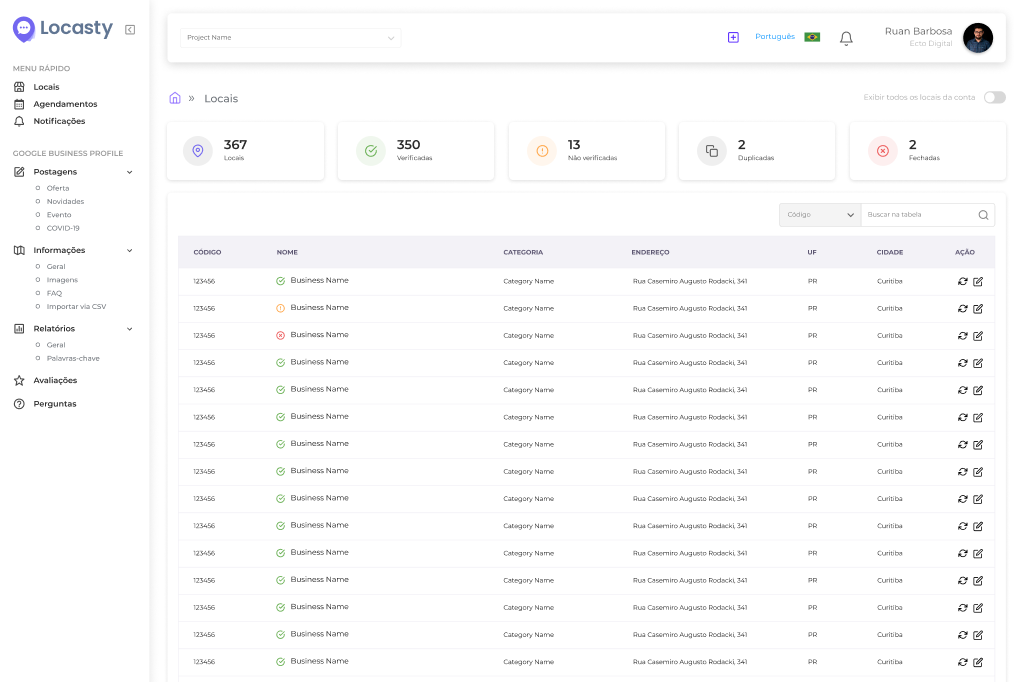
For chains with many locations, a platform that brings every review together in a single dashboard, like Locasty, keeps you from falling behind on replies and makes life easier for whoever manages your brand's reputation.
6. Your profile has sat idle for too long
A Google Business Profile isn't something you can set up and forget; it needs regular upkeep to stay relevant.
New photos, updated hours, posts, review replies, and adjustments to your information show that the business is active and that it cares about the experience of people searching.
When a profile sits idle for too long, the business misses chances to win customers, promote offers, announce changes, and strengthen its local presence. In competitive markets, that can tip the choice between your store and another nearby option.
7. Google changed your listing without anyone noticing
Another common situation is a Google listing changing without the team noticing. Google can update Business Profile information based on different sources, such as data found on the web, contributions from users, and information from its own systems.
That can include changes to hours, address, phone number, category, or other profile details. Sometimes these changes help correct information. Other times, they can create inconsistencies if nobody is keeping a close eye on them.
For anyone managing many locations without centralized monitoring, this is a silent risk. The listing changes, the store keeps operating exactly as before, but people find information on Google that doesn't match reality.
Also read: 5 common mistakes when responding to negative reviews
How do you fix these problems across multiple locations?
For businesses with a single location, many of these issues can be solved with a regular update routine inside the Google Business Profile itself.
But for chains with many locations, the challenge is different: making sure every listing is accurate, up to date, and aligned with the brand's standards at the same time, without relying on manual work at each location.
That's where a multi-location management tool makes a real difference. It's why we built Locasty: a platform that centralizes profile management for all your locations in a single dashboard.
The platform lets your team edit information in bulk, track reviews, organize posts, monitor local SEO data, and review changes that could affect each location's presence on Google Maps.
Frequently asked questions about stores on Google Maps
Still have questions about how to add, fix, or improve your store's presence on Google Maps? Below, we answer the most common questions from people who want to show up more prominently in local search and keep their Business Profile up to date:
1. How do I add my store to Google Maps?
To add your store to Google Maps, go to Google Business Profile, sign in with (or create) a Google Account linked to your business, and follow the sign-up and verification process.
Once you're verified, fill in the key profile information, such as your business name, address, phone number, business hours, category, website, and photos.
Also read: How to create a Google Business Profile
2. What should I do when my store doesn't show up in "near me" searches?
As we've seen, start by checking whether your profile is complete, up to date, and set to the right category. Then make sure the address is correct, that there are recent photos, that reviews are being answered, and that the location's information is consistent across other digital channels.
If the problem persists, you may need to look at the local competition, the distance between the person searching and the location, the quality of the information on the profile, and the brand's presence in other web results.
3. How do I fix my store's address on Google Maps?
Sign in to Google Business Profile with the account linked to your business, select the location that needs fixing, and edit the address field.
Depending on the change, Google may ask for a new verification to confirm that the store really operates at that address.
If many locations need updating at once, Locasty lets you do it centrally, updating the address of multiple locations in one go without having to open each profile individually.
Schedule a Locasty demo and see our platform in action!
Also read: Local SEO guide: strategies to make your business stand out
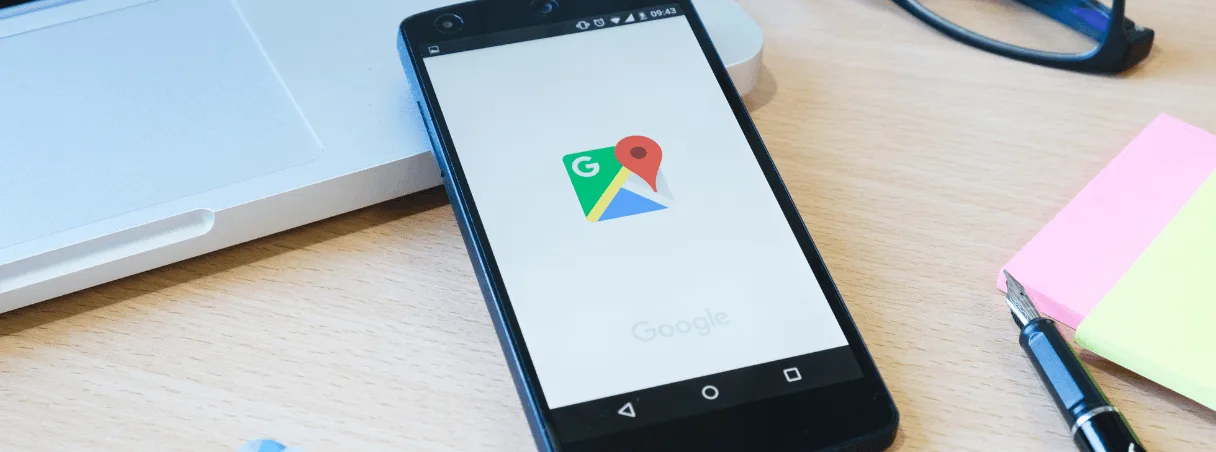
Cover image — Source: ijeab - Magnific.com (2026)


0 comments