
Key takeaways
- Reviews on a Google Business Profile are visible in Search and on Maps, can receive public replies, and, in specific cases, can be reported for removal if they violate the platform's content policies.
- According to Google, replies to reviews go through analysis and are usually published within 10 minutes. In some cases, the process can take up to 30 days — which underscores the importance of an organized workflow for tracking removal and dispute requests.
- A single negative review doesn't define a business's image, but dozens of them across multiple locations without proper attention will. That's why centralizing review management for all locations in a single dashboard is essential for larger networks.
Getting a negative review on Google can be discouraging for any business. Still, knowing how to find, respond to, and, when necessary, dispute a comment makes all the difference for your online reputation.
In this guide, you'll learn how to find your reviews, the most common mistakes when responding to criticism, how to request the removal of a review, and what Brazilian law says about moral damages in these cases.
Why Google reviews matter?
Comments on a Business Profile directly influence local performance for the following reasons:
- They increase visibility, which directly impacts rankings in local search results.
- They build trust with people researching a business and influence purchase decisions, since a large share of the public checks reviews before visiting a location or hiring a service.
- They work as direct feedback, helping management identify strengths and opportunities for improvement.
- They strengthen digital word of mouth, attracting new customers through positive accounts.
- They help a brand stand out in saturated markets, especially when interactions show genuine care for customers.
Reviews can be positive, negative, or neutral, and the ideal approach is to respond to all of them: doing so humanizes the profile, generates internal learning, and shows customers that their feedback receives real attention.
How do you leave a review on Google?
Anyone with a Google Account can review a business. The process is simple:
- Search for the business name on Google or open its profile on Google Maps.
- Scroll down to the reviews section.
- Choose the option to leave a new review, with a rating from 1 to 5 stars and, optionally, a comment.
For businesses managing their profile, we recommend making this process easy for loyal customers, who tend to share positive experiences. The platform lets you generate a link or QR code that goes straight to the review screen — something you can share through digital channels, print and display at your point of service, or hand to a customer right after providing a service.
How do I check my Google reviews?
If you've ever wondered "where can I see my Google reviews?", the process is straightforward: go to the Business Profile website, log in, and select "Read reviews" from the menu.
You can also view and respond to reviews directly through the Google Maps app, under the "Business" tab, or by searching for the business name on Google and clicking the "reviews" tab that appears alongside the profile.
If a business has multiple locations, each one needs its own registered address and will have its own set of reviews. That means logging into each profile individually — unless you use a centralization tool.
Read also: How to create a Google Business Profile
How to respond to a negative review on Google
Before writing any reply, it's essential to remember that a review reflects the reviewer's perception, often shared in a moment of frustration. Approaching the criticism professionally helps you identify real opportunities to improve your service.
With that mindset, keep these points in mind when responding, to avoid common communication mistakes:
1. Lack of courtesy and warmth
Public replies should be courteous and personal — avoid aggressive or generic responses. It's best to address the reviewer by their first name while keeping an appropriate level of formality.
Acknowledge the criticism professionally, showing empathy and a genuine commitment to resolving the issue raised.
Example reply:
"[First name], we're sorry you experienced this issue with [situation described] during your visit to our store. We take your feedback seriously and are working on [action taken] to address this."
For 1- or 2-star reviews with no comment, a simple reply also works:
"We're sorry to hear about your negative experience. [First name], we'd like to understand what happened. Please get in touch so we can talk it through and find a solution together."
This approach shows genuine care for customer feedback while inviting the reviewer to return and see the improvements — which can help turn a negative experience around.
2. Replies that are too long
People reading a response are looking for clarity. The ideal reply thanks the reviewer, acknowledges the point raised, and offers any additional information directly and concisely.
3. Sales-focused replies
Avoid turning your response into a sales pitch. If something went wrong, the best move is to invite the person to continue the conversation through a private channel, rather than negotiating publicly.
4. A defensive tone
It's natural to want to defend your business, but a defensive or reactive tone pushes customers away. Explain what happened without confrontation. For example:
"[First name], we're sorry your experience wasn't a positive one. We'd like to clarify that [real reason] affected the quality of service at that moment. We're working to make sure this doesn't happen again."
5. Not actually solving the problem
The biggest mistake is replying without investigating the root cause. Acknowledge the opportunity to improve and move the conversation off the public profile.
"[First name], thank you for sharing your feedback. We recognize there's room to improve and will look into [improvement point] to enhance the experience for everyone who visits us."
How do you delete a review on Google?
You can't remove a review just because it's negative or feels unfair. Google only removes content that violates its policies — such as hate speech, spam, conflicts of interest, exposed personal data, or information that's demonstrably false.
To report a review:
- Go to your Business Profile and select "Read reviews."
- Next to the review in question, click "Report review."
- Choose the reason that best matches the violation you identified.
- Submit the report and track its status through the review management tool, since the analysis can take a few days.
If the report is denied, you can submit a dispute with additional evidence. It's worth noting that the reviewer can edit or delete their own review at any time under "Your contributions" in Maps.
Negative Google reviews: moral damages or personal opinion?
This is a common question: "Can I sue someone for posting a negative review?"
(Note: the following section reflects Brazilian civil law and applies specifically to businesses operating in Brazil.)
The answer depends on the content of the review and the circumstances of the case. Under Brazilian law, Precedent 227 of the Superior Court of Justice (STJ) recognizes that legal entities — including businesses — can suffer moral damages.
For legal entities, this protection relates to "objective honor," meaning the business's credibility and reputation with the market and third parties.
Because of this, a negative review doesn't automatically entitle a business to compensation. Criticism about the quality of a product or service is considered a legitimate exercise of freedom of expression.
The likelihood of liability increases when a comment goes beyond fair criticism and includes, for example, false accusations, demonstrably untrue information, or offensive language capable of damaging the business's reputation.
Generally, the business needs to demonstrate how the content affected its image, since claiming moral damages requires proof of concrete consequences.
Can Google be held liable for a review?
It's also important to understand the platform's own liability. In June 2025, Brazil's Federal Supreme Court (STF) set new parameters for holding platforms liable for content posted by third parties.
The STF ruled that Article 19 of the Brazilian Civil Rights Framework for the Internet (Marco Civil da Internet, Law No. 12,965/2014) was partially unconstitutional. That article had made platforms' civil liability contingent, as a general rule, on their failure to comply with a specific court order for removal.
For claims involving harm to reputation, the STF maintained that platforms are only civilly liable for content if they fail to comply with a specific court removal order.
This doesn't stop Google from reviewing a report and voluntarily removing a review before any court decision — especially when the content violates its own policies.
AI for responding to Google reviews
With the growing volume of interactions, many brands are using artificial intelligence to speed up their responses, especially for networks with multiple locations.
Used well, AI saves time without losing a human tone. Some key precautions:
- Use AI for drafts: always review before publishing, adjusting the specific details of the situation and the reviewer's name.
- Provide real context: the more specific the prompt (what happened, action taken, tone of voice), the more natural the result will be.
- Avoid excessive templating: generic, unedited text feels impersonal and undermines the sense of closeness with customers.
- Prioritize tools with brand history: solutions that learn from registered brand models keep responses consistent across different locations.
At Locasty, for example, the platform suggests personalized replies, flags pending reviews, and allows adjustments before sending.
This saves time on routine interactions and frees up the team to focus on cases that need a human touch, like negative reviews.
Frequently asked questions about negative reviews on Google
We've answered the most common questions from businesses managing their Business Profile and handling reviews below:
1. Is it mandatory to respond to every review on Google?
No, Google doesn't require it. That said, responding is highly recommended, since it shows attention and influences the decisions of people researching your business, as well as your local search ranking.
2. Does a negative review affect a profile's ranking in local search?
A single negative review is unlikely to change your ranking on its own. However, your average rating and the frequency of new reviews are relevant ranking factors — an accumulation of unanswered criticism does more damage than a single comment.
3. Can you pay to remove a negative review from Google?
No. Services that promise paid removal without an actual policy violation are ineffective and can put your profile at risk. The legitimate path is to file a report or, when applicable, pursue legal action.
4. Who can respond to reviews on behalf of a business?
Only people with owner or manager access to the profile can respond. You can add team members to the dashboard without sharing the main account password.
5. How do you manage reviews across multiple locations at once?
As a network grows, tracking each profile separately increases the risk of delays and inconsistent responses.
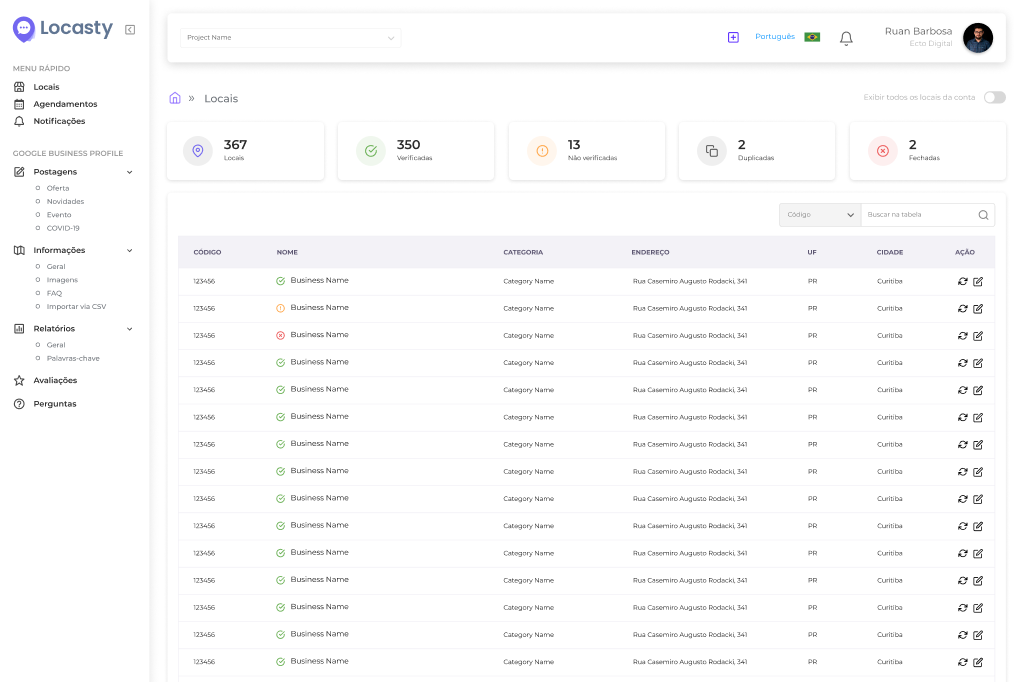
Locasty centralizes reviews from all locations in one place. With response templates and AI assistance, teams can respond faster while keeping replies personalized and efficient.
This makes it simpler to manage your network's reputation, maintain a consistent standard of service, and give every shared experience the attention it deserves.
Schedule a Locasty demo and see how to simplify review management across your network!
Cover image — Source: Sorapop - Magnific.com



0 comments